Penalty Shootout
Try it free, no account needed
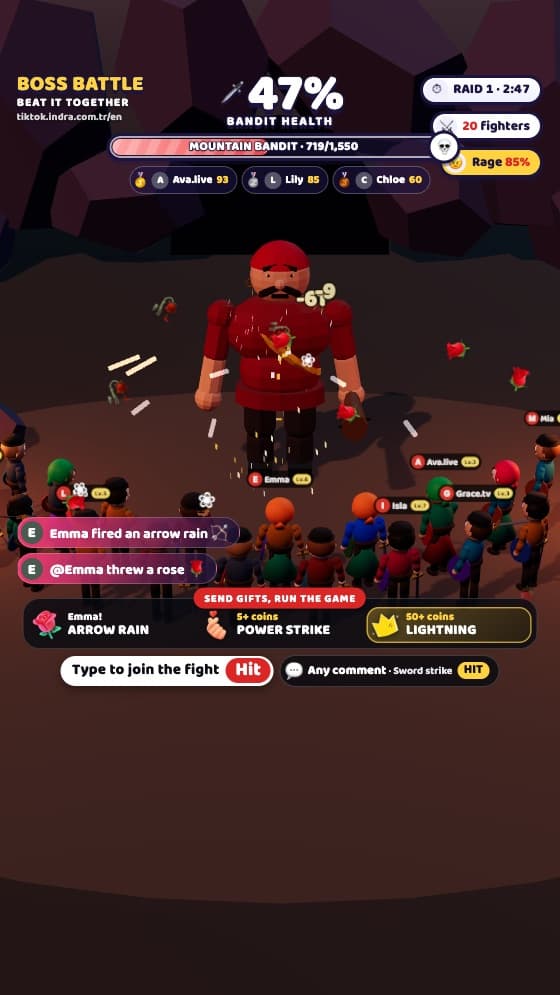
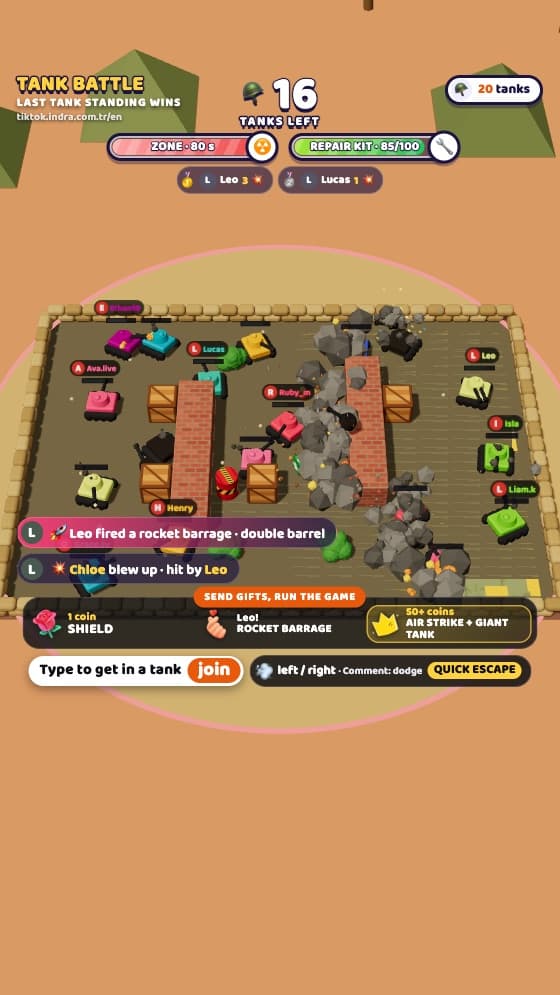
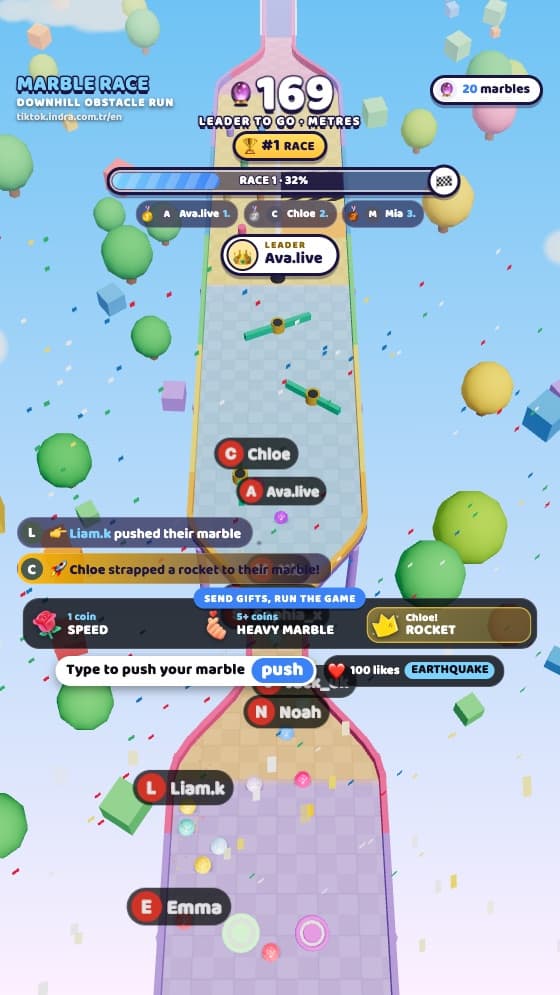
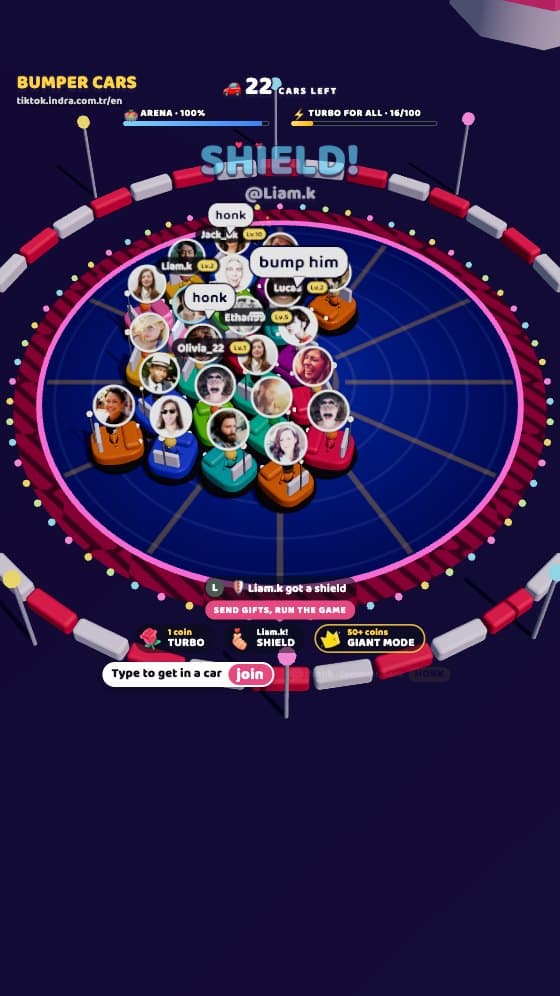
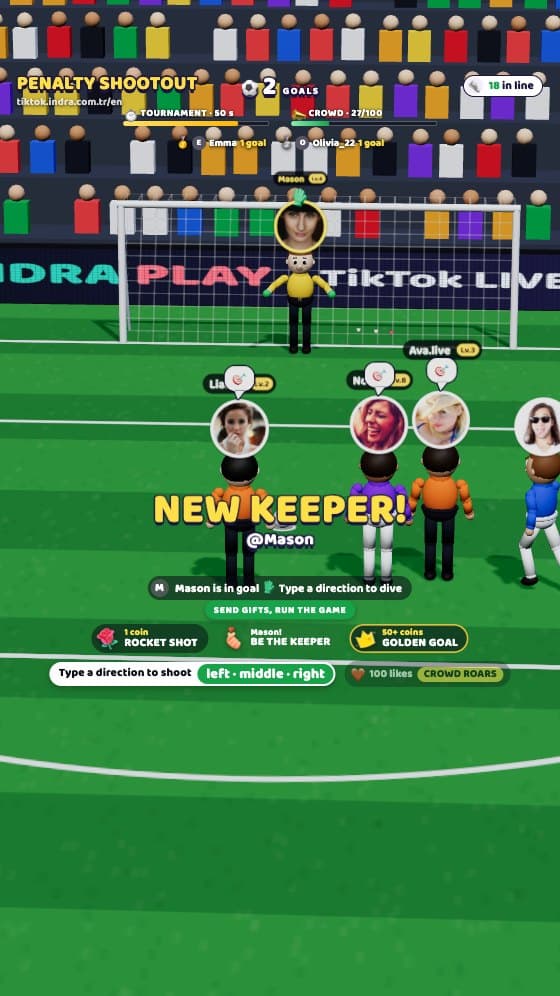
The screen on the left is the exact game your viewers see on stream. Be the viewer: type your name, send a comment, drop a gift and watch what happens on stage.
Quick comments
Gifts and likes
Press “Try it free” on the left first.
- Exactly what goes on stream: this is the real game engine
- TikTok’s comment and gift areas stay clear
- No install: add it to LIVE Studio or OBS as a browser source
A penalty tournament in a packed stadium under the floodlights. Viewers type “left”, “middle” or “right” to join the queue and shoot that way when their turn comes. Whoever scores the most in 60 seconds is top scorer; the goal is kept by the AI, a viewer who sends a gift or the streamer.
How to play Penalty Shootout
Every shot is a moment of suspense: the player runs up, the keeper dives one way, and the ball ends up in the net or in the gloves. On a goal the net bulges, the crowd jumps up and the scorer's name goes on the scoreboard. 60-second tournaments run back to back, and a top scorer is crowned at the end of each.
The streamer can go in goal from the panel and dive with the arrow keys; facing the viewers head to head becomes the most talked-about part of the stream. Gifts unlock unstoppable rocket shots, turn a viewer into the keeper or bring a three-point golden goal. The stadium boards advertise MyFutX, the Indra family's football manager game.
What happens when viewers…
| Viewer | In the game |
|---|---|
| “left”, “middle” or “right” comment | Joins the queue and takes a penalty that way when their turn comes |
| Small gift | Rocket shot: jumps the queue, can't be saved |
| Medium gift | Keeper for 40 seconds, dives where they type |
| Big gift | Golden goal: shoots right away, a goal counts 3 |
| Every 100 likes | The crowd does a Mexican wave and goes wild |
| Streamer (panel) | Goes in goal and dives with the ← ↑ → keys |
Gift thresholds are defaults (small 1–4, medium 5–49, big 50+ coins); change them in the streamer panel, even while you’re live.
Streamer tips
- On match days, saying “The penalty queue is open, type your direction” gets people joining faster.
- Press K in the panel to go in goal, then challenge your viewers as you dive with the arrow keys.
System requirements
Minimum
- Operating system
- Windows 10 or macOS 12
- Streaming app
- TikTok LIVE Studio or OBS Studio 28+
- Processor
- 4 cores, 2015 or newer
- Memory
- 8 GB RAM
- Graphics
- Integrated graphics (Intel UHD 620 or similar)
- Internet
- 5 Mbps upload
Recommended
- Operating system
- Windows 11 or macOS 14
- Streaming app
- TikTok LIVE Studio (latest version)
- Processor
- 6 cores or more
- Memory
- 16 GB RAM
- Graphics
- Dedicated graphics card for smooth 60 fps with 40+ players
- Internet
- 10 Mbps upload
The game runs in your streaming app’s browser source; nothing else is installed. The TikTok mobile app doesn’t allow external sources, so you need to stream from a computer.
Questions about Penalty Shootout
How do I add Penalty Shootout to my stream?
After buying, open “My games” in your account, choose Penalty Shootout, copy the game link and add it to TikTok LIVE Studio as a “Link” source or to OBS as a “Browser” source.
Is the game really in English?
Yes. The on-screen text, the commands viewers type, the streamer panel and the voice announcer are all in English. You can switch the game to Turkish in the panel or with ?lang=tr in the link.
Do I need to download anything?
No. The game runs in the browser; you stream from your computer with TikTok LIVE Studio or OBS.
Can I change what gifts do?
Yes. Set which coin value triggers which effect in the panel, even while you’re live.
Does it fit the screen?
Yes. The game fills the source whatever its size, and text stays clear of TikTok’s comment and button areas. Check it with the “Safe area” button in the panel.