Last Bridge
Try it free, no account needed
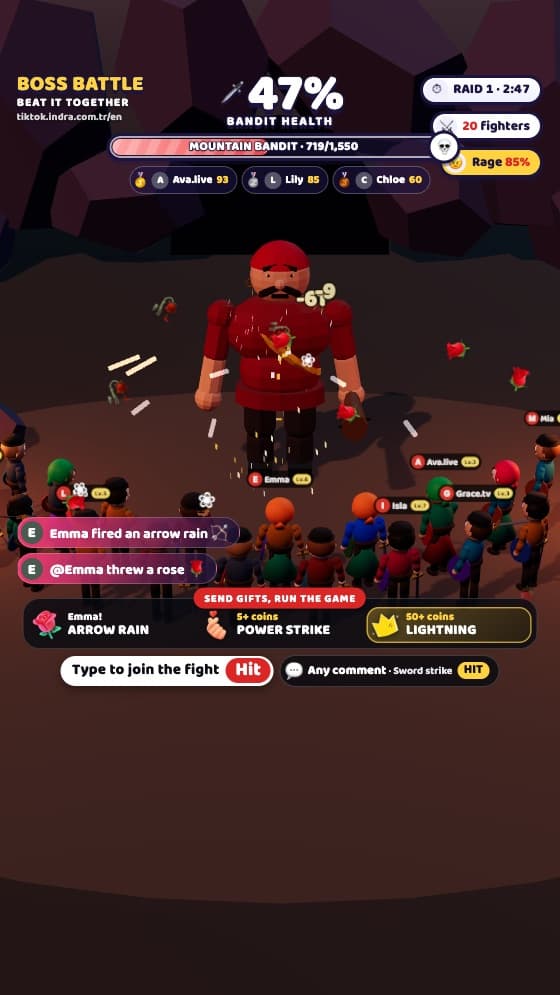
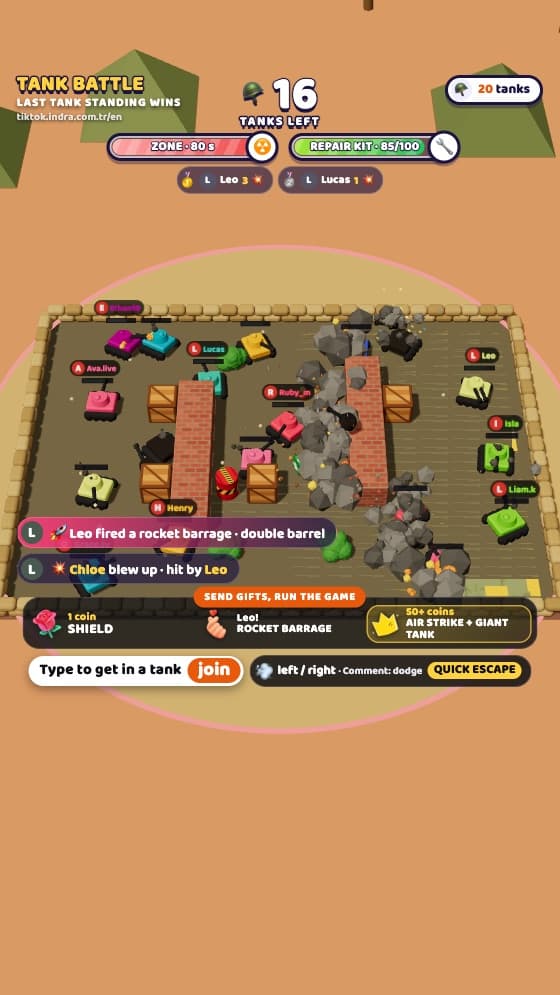
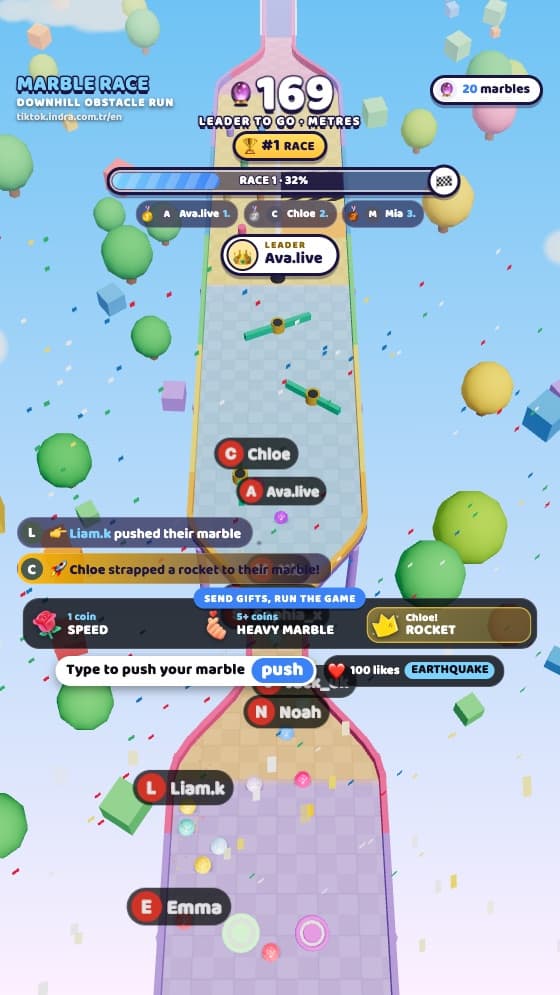
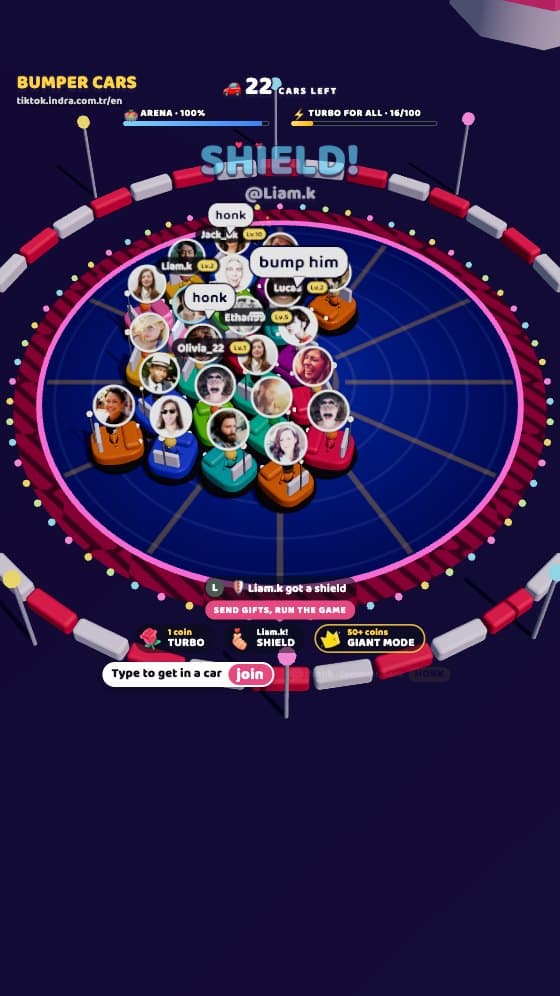
The screen on the left is the exact game your viewers see on stream. Be the viewer: type your name, send a comment, drop a gift and watch what happens on stage.
Quick comments
Gifts and likes
Press “Try it free” on the left first.
- Exactly what goes on stream: this is the real game engine
- TikTok’s comment and gift areas stay clear
- No install: add it to LIVE Studio or OBS as a browser source
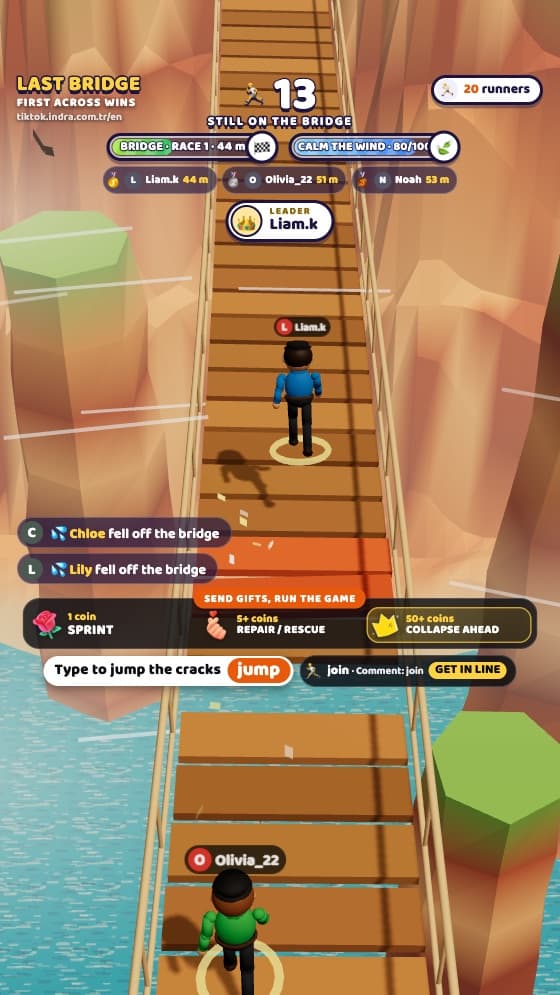
A narrow rope bridge over a canyon. Viewers race across while some planks give way and the wind shakes the bridge. Jump at the right moment to survive; the first to cross wins.
How to play Last Bridge
Viewers who join line up at the start of the bridge and the race begins on a countdown. Cracked planks drop away after a few seconds and the wind rocks the bridge.
A “jump” comment hops over the plank; miss the timing and you fall. Gifts bring a sprint, plank repairs or a gust of wind for the runners in front.
What happens when viewers…
| Viewer | In the game |
|---|---|
| “join” comment, follow or share | Joins the game with their name and profile picture |
| “jump” comment | Jumps over the collapsing plank |
| Likes | The wind eases |
| Small gift | Sprint: 4 seconds faster with automatic jumps |
| Medium gift | Repair: the next 10 planks turn gold, and a fallen viewer is rescued by rope |
| Big gift | Collapse: planks crack under the top three runners and a strong wind blows |
Gift thresholds are defaults (small 1–4, medium 5–49, big 50+ coins); change them in the streamer panel, even while you’re live.
System requirements
Minimum
- Operating system
- Windows 10 or macOS 12
- Streaming app
- TikTok LIVE Studio or OBS Studio 28+
- Processor
- 4 cores, 2015 or newer
- Memory
- 8 GB RAM
- Graphics
- Integrated graphics (Intel UHD 620 or similar)
- Internet
- 5 Mbps upload
Recommended
- Operating system
- Windows 11 or macOS 14
- Streaming app
- TikTok LIVE Studio (latest version)
- Processor
- 6 cores or more
- Memory
- 16 GB RAM
- Graphics
- Dedicated graphics card for smooth 60 fps with 40+ players
- Internet
- 10 Mbps upload
The game runs in your streaming app’s browser source; nothing else is installed. The TikTok mobile app doesn’t allow external sources, so you need to stream from a computer.
Questions about Last Bridge
How do I add Last Bridge to my stream?
After buying, open “My games” in your account, choose Last Bridge, copy the game link and add it to TikTok LIVE Studio as a “Link” source or to OBS as a “Browser” source.
Is the game really in English?
Yes. The on-screen text, the commands viewers type, the streamer panel and the voice announcer are all in English. You can switch the game to Turkish in the panel or with ?lang=tr in the link.
Do I need to download anything?
No. The game runs in the browser; you stream from your computer with TikTok LIVE Studio or OBS.
Can I change what gifts do?
Yes. Set which coin value triggers which effect in the panel, even while you’re live.
Does it fit the screen?
Yes. The game fills the source whatever its size, and text stays clear of TikTok’s comment and button areas. Check it with the “Safe area” button in the panel.